AI Bookkeeping for Contractors: How It Works and What to Look For

AI Bookkeeping for Contractors: How It Works and What to Look For
AI bookkeeping uses machine learning and optical character recognition to automate the manual work that bogs down your financial operations: data entry, transaction categorization, receipt capture, and bank reconciliation. Instead of someone typing invoice details into QuickBooks line by line, the software reads documents, extracts the data, and codes it automatically.
For home service contractors—HVAC, plumbing, electrical, roofing, landscaping—this matters more than it does for most businesses. You're not running a few transactions a week. You're running dozens of jobs, hundreds of transactions, and your crew is generating receipts from supply runs that may or may not make it back to the office.
Traditional bookkeeping works on a monthly cycle. You collect documents, enter them manually, reconcile at month-end, and finally see where your money went weeks after the fact. AI bookkeeping flips that timeline. Transactions get processed as they come in, so your books stay current rather than perpetually catching up.
What AI Bookkeeping Actually Does
Here's what AI bookkeeping typically handles:
Bill and invoice capture: OCR scans documents and pulls out vendor names, amounts, dates, and line items automatically.
Transaction categorization: The AI assigns expenses to the correct GL accounts—and for contractors, to the correct jobs—based on patterns it learns from your data.
Receipt capture: Crew texts a photo of a receipt. AI reads it, codes it, and posts it. No app required.
Bank reconciliation: Transactions match to your bank feed automatically, without manual lookup.
Document organization: Financial records get sorted and stored in one place.
Most AI bookkeeping platforms connect to your existing QuickBooks rather than replacing it. You keep your current system. The AI just makes it faster and more accurate.
Why Home Service Contractors Need AI Bookkeeping
Generic AI bookkeeping tools categorize expenses by account: "Materials," "Labor," "Subcontractors." That's fine for a retail business or a marketing agency.
Home service contractors categorize by job. You need to know that the $847 at Ferguson went to the Johnson bathroom remodel, not just that you spent $847 on materials somewhere. That granularity is the difference between knowing your margins and guessing at them.
Job Costing That Generic Tools Miss
Job costing means tracking every dollar spent on a specific job so you know your true profit margin. Generic bookkeeping puts expenses in broad buckets. Contractor-specific AI ties those expenses to Job #2847, assigns them to the right cost category (materials, labor, equipment, subs), and updates your budget vs actual in real time.
Without job-level coding, your P&L might look great while individual jobs quietly lose money. You won't know until year-end—when it's too late to fix anything.
Receipt Chaos From the Field
Your techs and crews are generating receipts every day. Supply runs, fuel, small equipment, lunch for the crew. In theory, those receipts should be coded to specific jobs and entered into QuickBooks.
In reality? They end up crumpled in truck consoles, lost in pockets, or stuffed in a shoebox that sits on someone's desk until tax season.
AI bookkeeping with mobile receipt capture solves this. Crew texts a photo, AI reads it, asks which job, and posts it—in seconds. No app to download, no login to remember, no forms to fill out. Just text a picture and answer one question.
CRM Data That Doesn't Connect
Your jobs live in Jobber or ServiceTitan or Housecall Pro. Your accounting lives in QuickBooks. And somewhere in between, data gets lost.
Job names don't match. Labor hours don't sync. Your bookkeeper is manually cross-referencing two systems that should talk to each other but don't.
AI bookkeeping platforms built for contractors connect directly to your CRM. Jobs sync automatically. Labor hours pull from timesheets. When a job closes in your CRM, the financials are already there.
How AI Bookkeeping Learns Your Business
The "learning" part is what separates AI bookkeeping from basic automation. The software watches how you code transactions, remembers your preferences, and applies that logic going forward.
Automatic Job and Cost Code Matching
AI reads vendor names, invoice descriptions, and your historical coding patterns to assign transactions to the correct job. Once the system sees that invoices from ABC Supply usually go to a specific job type or cost category, it applies that rule automatically.
The first time you code an invoice from a new vendor, you're teaching the AI. The second time that vendor sends a bill, the system already knows where it goes.
Pattern Recognition That Improves Over Time
The more transactions you process, the smarter the system gets. After a few months, most routine expenses code themselves. Your bookkeeper shifts from data entry to exception review—handling the 5% that needs human judgment rather than the 95% that doesn't.
Text-Based Workflows
The best AI bookkeeping systems meet contractors where they actually work. That means text messaging, not apps.
When the AI isn't sure which job a transaction belongs to, it texts you: "$342 at Johnstone Supply—Smith HVAC install or the Garcia service call?" You reply with a number. Done. The AI learns from that answer and handles similar transactions automatically next time.
What You Can Automate With AI Bookkeeping
Here's what moves off your plate when AI handles the repetitive work:
Transaction Categorization and Job Coding
AI assigns each transaction to the correct GL account and job. For contractors, that includes cost category assignment—not just "which expense bucket" but "which job and which budget line."
High-confidence transactions post automatically. Low-confidence ones get flagged for quick review.
Receipt Capture From the Field
Company card purchases and supply runs get matched to jobs automatically. Crew texts a photo, AI codes and posts. No more hunting down techs for expense reports at month-end.
Bank Reconciliation
Transactions match to your bank feed automatically. What used to take hours at month-end happens continuously in the background.
Vendor Bill Processing
Forward bills to a dedicated email address or drag and drop files into the platform. OCR extracts the vendor, amount, date, and line items. AI suggests the job and cost code. You approve with one click.
Budget Alerts
When spending approaches budget thresholds—75%, 90%, over—you get notified before the job closes. No more discovering overruns after the fact.
How Much Time AI Bookkeeping Actually Saves
The ROI shows up in three places: time, headcount, and accuracy.
Hours Saved Weekly
The time you currently spend entering invoices, coding transactions, and reconciling accounts gets recovered. Teams typically redirect those hours toward reviewing financials, managing cash flow, or running jobs—work that actually moves the business forward.
For a contractor processing 50+ bills per week, AI bookkeeping can save 10-15 hours of manual entry. That's a part-time employee worth of work that disappears.
Reduced Accounting Costs
When AI handles data entry and categorization, your bookkeeper can manage more volume without adding hours. You scale financial operations without scaling accounting costs at the same rate.
Some contractors find they can bring bookkeeping in-house that they previously outsourced. Others find their outsourced bookkeeper can handle twice the workload.
Fewer Errors and Leaks
Duplicate payments, missed billables, and miscoded expenses leak cash quietly. AI catches inconsistencies and flags potential errors before they hit your books.
A contractor running $3M in revenue might find $30-50K in annual waste just from cleaning up duplicates, catching missed charges, and coding expenses to the right jobs.
What to Look For in AI Bookkeeping Software
Not all AI bookkeeping platforms deliver the same value. Here's what separates useful automation from marketing hype:
Intelligent Document OCR
OCR (optical character recognition) reads text from images and PDFs. Good OCR handles multiple formats, poor scan quality, and varied invoice layouts. Bad OCR chokes on anything that isn't perfectly formatted.
Test it with your actual documents—not the vendor's demo data.
Job Costing Built In
Generic AI bookkeeping categorizes by account. Contractor-specific AI categorizes by job. If job costing is an afterthought or requires a separate tool, you'll end up with disconnected data.
CRM Integration
Check for direct connections to your field management software—Jobber, ServiceTitan, Housecall Pro, JobTread. Jobs, customers, and labor hours should sync automatically.
Two-Way QuickBooks Sync
One-way sync pushes data to QuickBooks. Two-way sync keeps both systems aligned. Changes in either place reflect in both. Two-way sync prevents the "which system is right?" problem that creates reconciliation headaches.
Mobile and Text-Based Access
Construction decisions happen in the field. If the platform requires logging into a desktop app to answer a simple question, your team won't use it consistently.
Text-based workflows—where receipts and confirmations happen via SMS—get dramatically higher adoption than app-based alternatives.
Real-Time Budget Tracking
AI bookkeeping should update your budget vs actual as transactions post, not days or weeks later. If you're submitting a draw request or bidding a new job, you want to know your actual cost position today.
How AI Bookkeeping Works With QuickBooks
AI bookkeeping platforms sit between your existing tools. They don't require ripping out your accounting system or starting over.
QuickBooks integration keeps your general ledger, vendor list, and transactions aligned through two-way sync.
CRM connections unify job data across systems. Jobs in Jobber or ServiceTitan appear automatically in your bookkeeping platform.
Bank connections provide direct transaction feeds for automatic import and reconciliation.
Setup typically means connecting your existing accounts, not migrating data. You're up and running in days, not months.
How Latch Handles AI Bookkeeping for Contractors
Latch is built specifically for home service contractors—the workflows between field and office that generic tools don't understand.
Five AI agents handle the work that used to require manual entry:
Transaction Tagging Agent — Monitors QuickBooks in real time. When a bill or expense hits, the AI identifies which job it belongs to and tags it automatically. Uncertain ones get texted to you for confirmation. The system learns from every response.
Receipt Capture Agent — Crew texts a photo of any receipt. AI reads it, asks which job, and posts it in seconds. No app required. If a receipt pushes you over budget, you get an alert.
Labor Cost Agent — Pulls labor hours from your CRM automatically, applies burden rates, and posts true labor cost to each job. For businesses without CRM timesheets, the agent texts crew to collect hours.
Change Order Agent — When a change order is approved in your CRM, the budget updates automatically and you get notified with the new projected margin.
Bid-to-Actual Agent — After a job closes, compares estimate vs actual costs, surfaces variances, and explains why. Those learnings feed your future bids.
The difference: other AI bookkeeping tools require you to enter data and the AI organizes it. Latch's AI agents capture the data for you. They do the work, not just the sorting.
Getting Started With AI Bookkeeping
1. Connect Your Accounting System
Link QuickBooks first. The connection pulls in your chart of accounts, vendor list, and historical data so the AI has context to learn from.
2. Connect Your CRM
Link Jobber, ServiceTitan, Housecall Pro, or JobTread. Jobs sync automatically. Labor hours pull from timesheets.
3. Let AI Process Your First Transactions
As bills and receipts come in, the AI codes them and routes for approval. You review and confirm. Every correction trains the system.
4. Watch Accuracy Improve
Most contractors see 80-90% auto-coding accuracy within the first few weeks. By 60 days, the AI handles 95%+ of routine transactions without intervention.
The Bottom Line
Manual bookkeeping creates stale financials and blind spots. By the time you see the numbers, decisions have already been made without them.
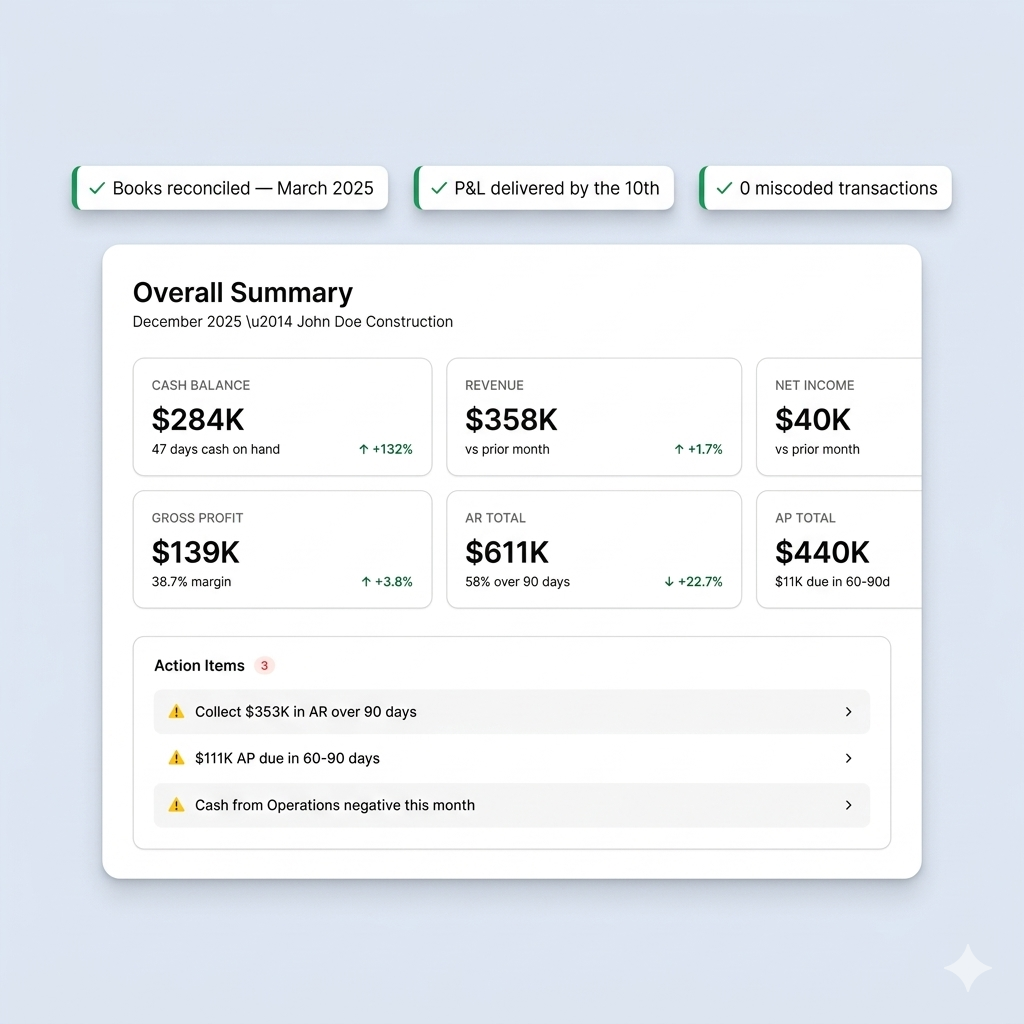
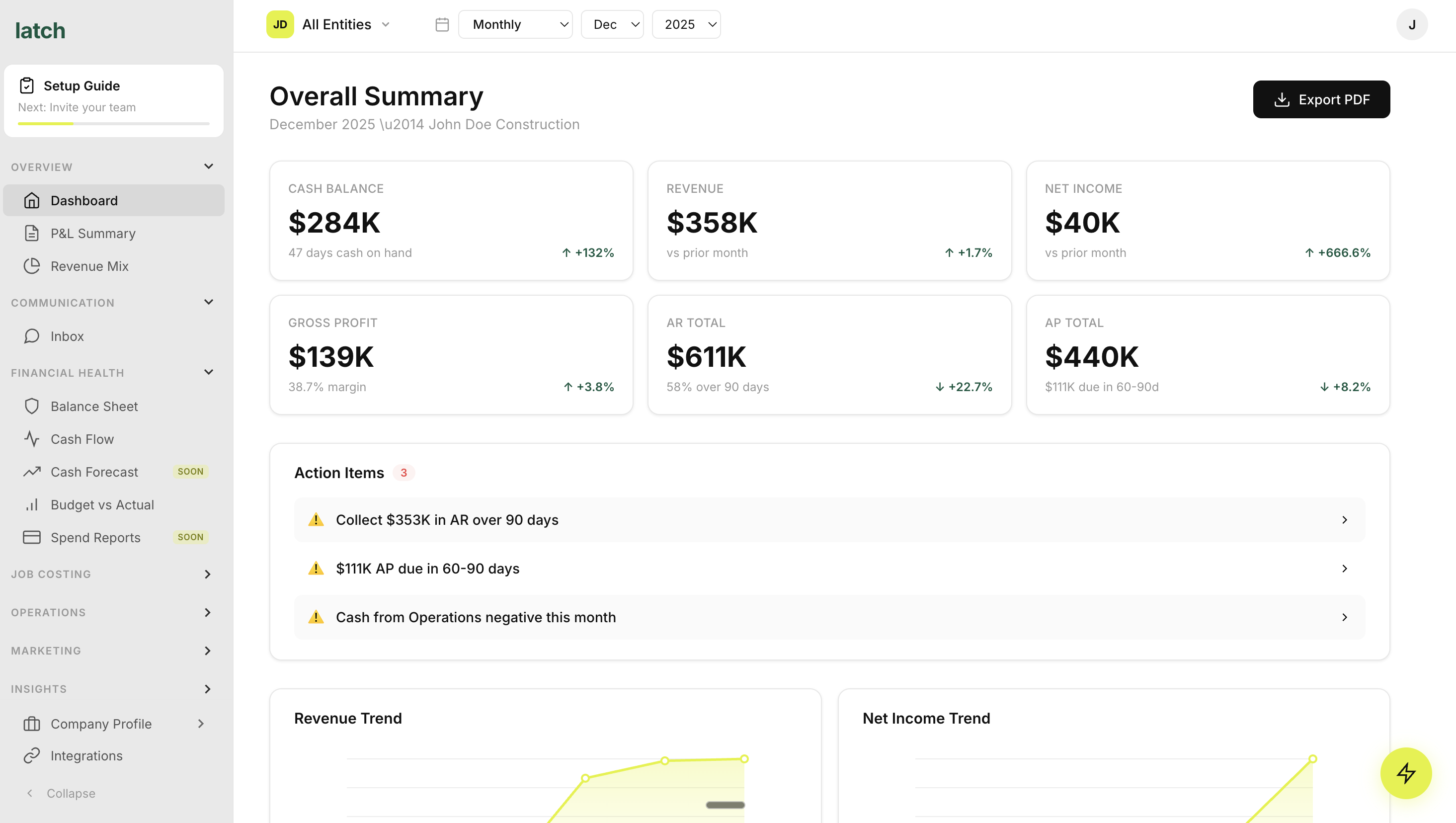
AI bookkeeping gives you real-time visibility without adding headcount or burying your team in data entry. Transactions code themselves. Receipts capture via text. Budgets update as money moves.
If you're still closing books a month behind—or chasing receipts from truck consoles—it's not a discipline problem. It's a systems problem. And AI bookkeeping solves it.
Ready to see AI bookkeeping in action?
We'll show you how Latch's AI agents capture every transaction, code every receipt, and keep your books current—without the manual work.
FAQs About AI Bookkeeping for Contractors
Will AI bookkeeping replace my bookkeeper?AI automates repetitive tasks like data entry and categorization but doesn't replace the judgment, compliance expertise, and strategic thinking that human bookkeepers provide. Most contractors use AI to supplement their team—handling the 95% of transactions that are routine so humans can focus on the 5% that need judgment.
Does AI bookkeeping work with QuickBooks Desktop?Many AI bookkeeping platforms integrate with both QuickBooks Online and QuickBooks Desktop. Verify compatibility before signing up.
How long does AI bookkeeping take to learn my business?AI begins learning immediately and improves with each transaction you review. Most contractors see accurate auto-categorization within the first few weeks of consistent use. By 60 days, the system typically handles 95%+ of routine transactions.
How accurate is AI bookkeeping?Accuracy depends on transaction complexity and how consistently you've coded historically. Most platforms achieve 85-95% accuracy on routine transactions after initial training. The system flags uncertain transactions for human review rather than guessing wrong.
Is my financial data secure with AI bookkeeping?Reputable AI bookkeeping platforms use bank-level encryption and comply with security standards. Verify a platform's security certifications before connecting your accounts.
What happens when AI codes a transaction wrong?You correct it with one click, and the AI learns from your correction. This human-in-the-loop approach keeps you in control while the system continuously improves.
Can AI bookkeeping handle job costing for contractors?Generic AI bookkeeping tools categorize by account type only. Contractor-specific platforms like Latch categorize by job, cost code, and customer—giving you the visibility to track margins at the job level, not just company-wide.
Stop chasing receipts and closing books a month behind.